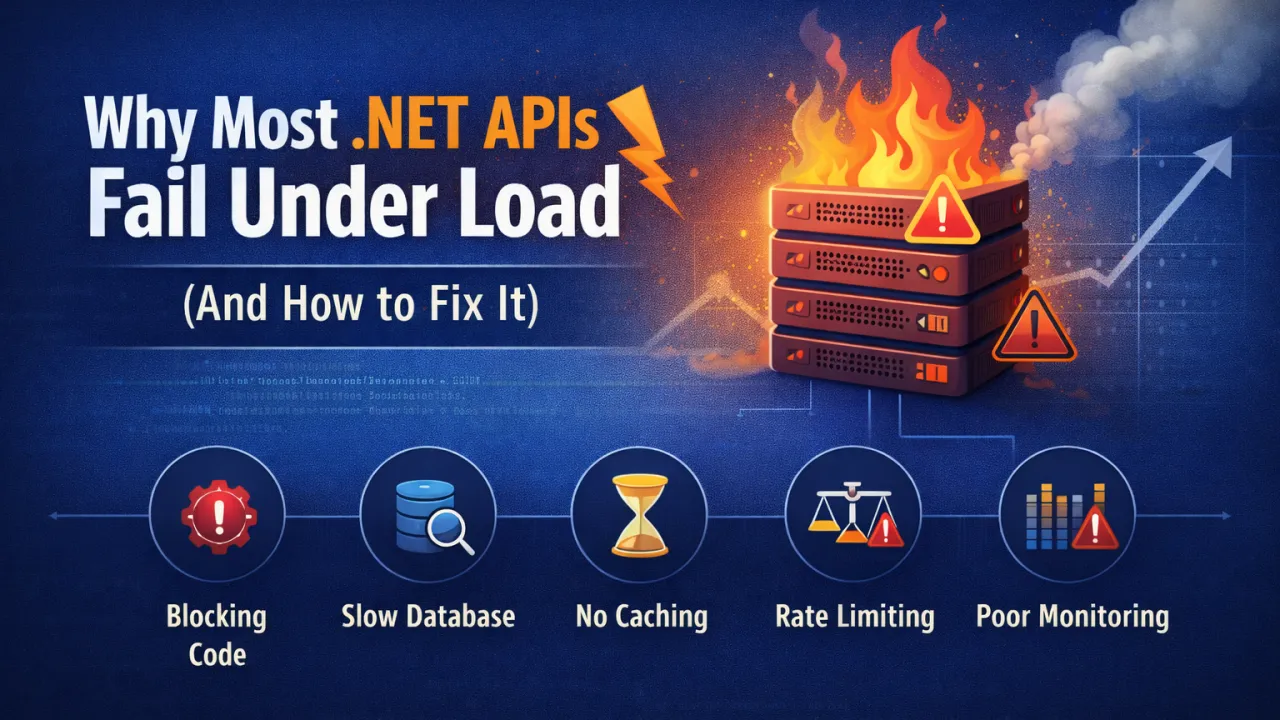
Modern applications depend heavily on APIs. Whether it's mobile apps, web platforms, or microservices, APIs are the backbone that connects systems and delivers data to users in real time. ASP.NET Core APIs are known for their performance and reliability, but many production APIs still struggle when traffic increases.
APIs that perform perfectly during development can suddenly become slow, unstable, or even crash when exposed to real-world load. The reason is rarely the framework itself — it’s usually architectural or implementation issues that surface only under pressure.
Understanding why APIs fail under load is the first step toward building systems that scale smoothly.
1. Blocking Operations Instead of Asynchronous Code
One of the most common performance problems in .NET APIs is blocking I/O operations. When APIs perform database calls, file operations, or external HTTP requests synchronously, they block threads in the thread pool.
Under heavy load, this leads to thread starvation, where new requests have to wait because all threads are occupied.
Why This Happens
Synchronous code forces the server to wait for I/O operations to finish before moving on to other requests.
How to Fix It
Use asynchronous programming throughout the request pipeline.
Best Practices
- Use async/await for all database and network calls.
- Avoid .Result and .Wait() in ASP.NET code.
- Use asynchronous database libraries such as Entity Framework Core async methods.
Example:
await _dbContext.Users.ToListAsync();
Asynchronous processing allows the server to handle more concurrent requests without exhausting resources.
2. Inefficient Database Queries
Databases are often the biggest bottleneck in API performance. Poor queries or inefficient data access patterns can slow down the entire system.
Common problems include:
- N+1 query issues
- Loading unnecessary data
- Missing database indexes
- Large joins on high-traffic tables
How to Fix It
Optimize data access and reduce database load.
Best Practices
- Use projections (Select) instead of returning full entities.
- Implement proper database indexing.
- Use pagination for large datasets.
- Cache frequently accessed data.
Example:
Instead of:
_dbContext.Products.ToList()
Use:
_dbContext.Products.Select(p => new { p.Id, p.Name })
Reducing database load dramatically improves API performance under traffic.
3. Lack of Caching
If every request triggers expensive database queries or external API calls, performance will degrade quickly under load.
Caching allows APIs to reuse previously computed results instead of recalculating them repeatedly.
Types of Caching
- In-memory caching
- Distributed caching (Redis)
- Response caching
- CDN caching
Best Practices
- Cache frequently requested data such as configuration or lookup tables.
- Use distributed caches like Redis in distributed environments.
- Apply cache expiration policies carefully.
Caching can reduce backend load by orders of magnitude.
4. Poor Connection Management
APIs often communicate with databases, message brokers, and external services. Poor connection handling can create bottlenecks.
Common issues include:
- Opening new connections for every request
- Not reusing HTTP clients
- Exhausting connection pools
How to Fix It
Use connection pooling and efficient client management.
Best Practices
- Use IHttpClientFactory instead of creating new HttpClient instances.
- Configure database connection pools properly.
- Monitor connection limits.
Efficient connection management ensures APIs remain stable during traffic spikes.
5. Large Payloads and Serialization Overhead
APIs that return large JSON responses consume more CPU and network bandwidth. Under load, serialization overhead can significantly reduce performance.
Common Causes
- Returning entire database entities
- Excessive nested objects
- Large response payloads
Best Practices
- Return only required fields.
- Use DTOs instead of full domain models.
- Compress responses with gzip or Brotli.
Smaller responses improve both server performance and client responsiveness.
6. Missing Rate Limiting and Throttling
Without rate limiting, APIs become vulnerable to abuse or unexpected traffic spikes. A sudden flood of requests can overwhelm the system.
How to Fix It
Implement rate limiting to control request volume.
Best Practices
- Limit requests per IP or API key.
- Use API gateways or middleware for throttling.
- Apply different limits for public and internal APIs.
Rate limiting protects infrastructure from overload and ensures fair resource usage.
7. Lack of Observability and Monitoring
Many APIs fail under load simply because teams cannot see what is happening inside the system.
Without proper monitoring, it’s impossible to identify bottlenecks.
Best Practices
Implement full observability.
Tools include:
- Application Insights
- Prometheus
- Grafana
- OpenTelemetry
- ELK Stack
Key metrics to monitor:
- Response time
- Request throughput
- Error rate
- Database query time
- CPU and memory usage
Observability allows teams to detect problems before users experience them.
8. Inefficient Dependency Injection and Service Design
Poor service design can also degrade performance. Deep dependency graphs, unnecessary abstractions, and inefficient lifetimes can slow request processing.
Best Practices
- Keep service layers simple.
- Avoid unnecessary dependency chains.
- Use correct service lifetimes (Transient, Scoped, Singleton).
- Avoid heavy work inside constructors.
Well-designed services reduce overhead and improve system efficiency.
Key Lessons for Building High-Performance APIs
To ensure your .NET APIs perform well under load:
- Use asynchronous programming for I/O operations • Optimize database queries and indexing • Implement caching for frequently accessed data • Manage connections efficiently • Reduce payload size and serialization costs • Apply rate limiting and request throttling • Monitor performance with proper observability tools • Design services with simplicity and efficiency
Final Thoughts
Most .NET APIs don’t fail because of the framework — ASP.NET Core is extremely fast and capable. Failures usually come from architectural decisions that don’t hold up when traffic grows.
Building scalable APIs requires thinking about performance from the beginning, not as a last-minute optimization.
When APIs are designed with async processing, efficient data access, caching strategies, and strong monitoring, they can handle millions of requests reliably and consistently.
Performance isn’t just about speed — it’s about building systems that remain stable when demand grows.